
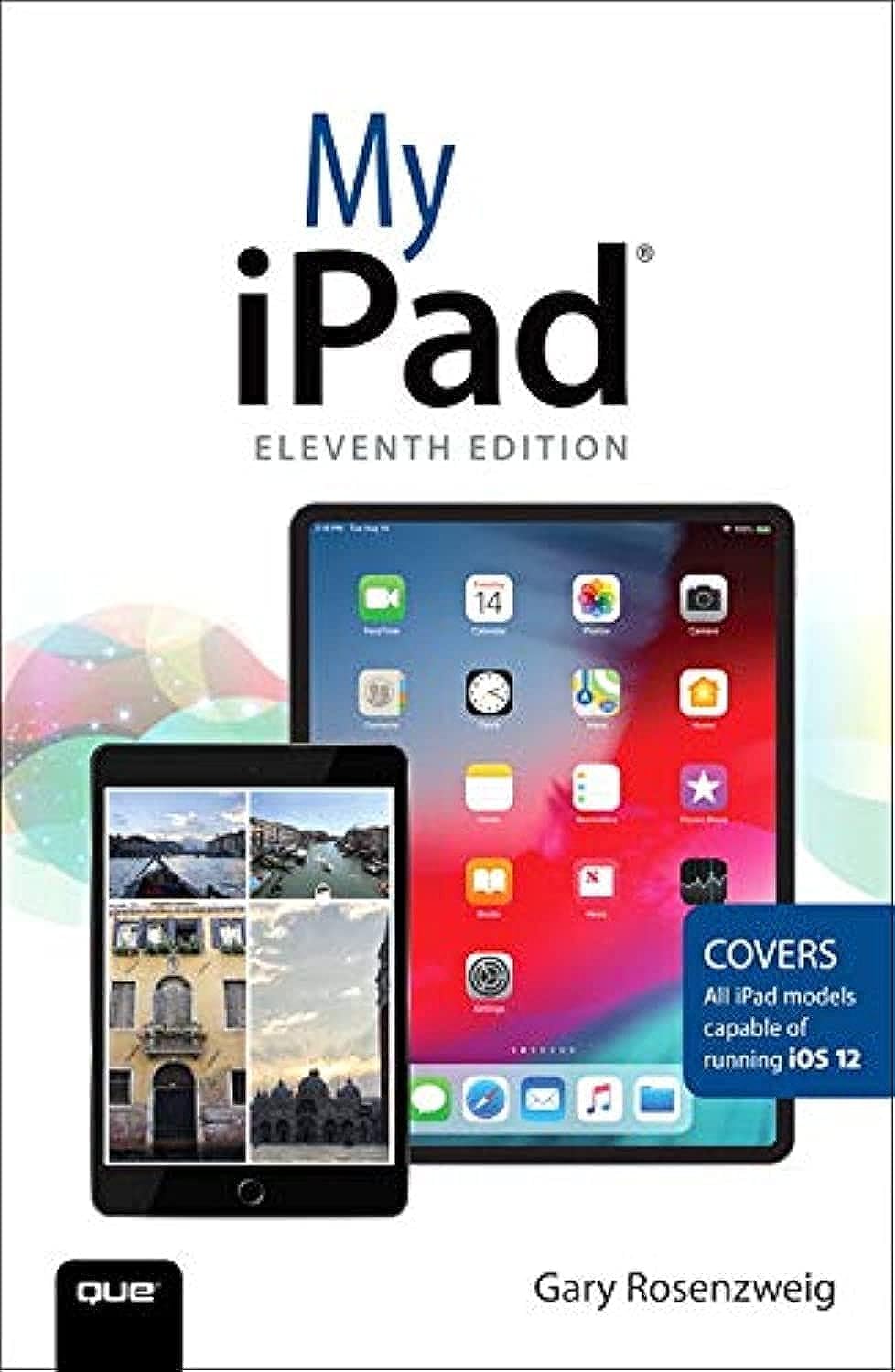

Description
- Connect your iPad to your Wi-Fi and your mobile carrier
- Use the on-screen keyboard, predictive text, and dictation
- Control frequently used settings with Control Center
- Get information and control your iPad with spoken commands using Siri
- Use iCloud to keep everything current between all your iOS devices (and even your Mac), including music, photos, messages, documents, and more
- Surf the Web, and send and receive email and messages
- Download and install apps to make your iPad even more useful
- Secure your iPad using Touch ID, passcodes, and other security measures
- Record and edit video using iMovie for iPad
- Take photos, and then edit them using the Photos app
- Share files and information
Details
Unlock the full potential of your iPad with My iPad Book. This comprehensive guide provides step-by-step instructions and helpful visuals to navigate through all the amazing features of your device. Whether you're a beginner or an experienced user, My iPad Book is the ultimate resource to enhance your iPad experience.
Are you tired of searching for answers when you encounter problems or limitations with your iPad? With My iPad Book, you'll find solutions at your fingertips. Our easy-to-follow tutorials and troubleshooting tips will empower you to overcome any obstacles and make the most out of your device.
Discover the power of connectivity with My iPad Book. Learn how to effortlessly connect your iPad to Wi-Fi and your mobile carrier. With our guidance, you can easily manage settings, access information, and control your iPad with spoken commands using Siri. Keep everything synchronized across your iOS devices with iCloud, ensuring seamless access to music, photos, messages, documents, and more.
Enhance your productivity and creativity with My iPad Book. From web browsing and email to downloading and installing apps, we'll show you how to maximize the usefulness of your iPad. Capture precious moments with stunning photos and videos, edit them using the built-in Photos app, and share them effortlessly with your loved ones. Take notes, create documents and presentations, and stay connected through FaceTime and Skype.
Don't miss out on the best apps for your iPad! My iPad Book introduces you to a curated selection of the most useful and entertaining apps, ensuring you never have a dull moment with your device. With our expert guidance, you'll become a pro at utilizing your iPad to its fullest potential.
Experience the true power of your iPad with My iPad Book. Start your journey towards becoming an iPad master today!
Ready to unlock the full potential of your iPad? Get My iPad Book now and start mastering your device!
Discover More Best Sellers in Digital Audio, Video & Photography
Shop Digital Audio, Video & Photography

 Digital Audio, Video & Photography - Sketching for Animation: Developing Ideas, Characters and Layouts in Your Sketchbook (Required Reading Range)


The Photoshop Toolbox: Essential Techniques for Mastering Layer Masks, Brushes, and Blend Modes
Digital Audio, Video & Photography - The Photoshop Toolbox: Essential Techniques for Mastering Layer Masks, Brushes, and Blend Modes
 Digital Audio, Video & Photography - Canon EOS R5: Pocket Guide: Buttons, Dials, Settings, Modes, and Shooting Tips (The Pocket Guide Series for Photographers, 20)

YouTube Planning Book for Kids: a notebook for budding YouTubers.
Digital Audio, Video & Photography - YouTube Planning Book for Kids: a notebook for budding YouTubers.
 Digital Audio, Video & Photography - Photographer's Guide to the Nikon Coolpix P1000: Getting the Most from Nikon's Superzoom Digital Camera

Misinformation and Disinformation: Detecting Fakes with the Eye and AI
Digital Audio, Video & Photography - Misinformation and Disinformation: Detecting Fakes with the Eye and AI

The Portrait: Understanding Portrait Photography
Digital Audio, Video & Photography - The Portrait: Understanding Portrait Photography

 Digital Audio, Video & Photography - Macbook for Seniors: The Most Complete Easy-to-Follow Guide to Master Your New MacBook Air and Pro. Unlock All Their Features with Step-by-Step Illustrated Instructions and Useful Tips and Tricks

